The Buddy option allows you to associate one annotation to another on the sheet, so that when one is moved or altered, the other is as well. This acts as a sort of Parent/Child association, linking the size, position, and/or behavior of two annotation on a sheet.
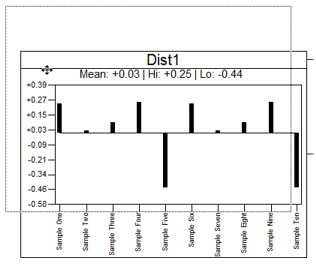
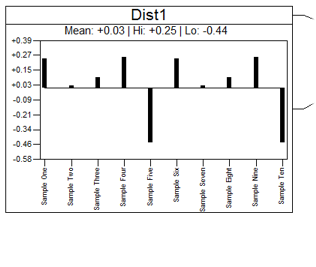
For example, 'Text 1' is configured to use 'Graph 1' as its Buddy. Now if you try to move 'Text 1', nothing happens.
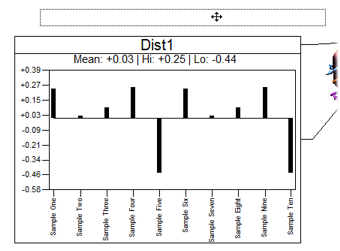
However, if you attempt to move 'Graph 1', then both 'Graph 1' and 'Text 1' move together while remaining in the same position relative to one another.
 |
 |
 |
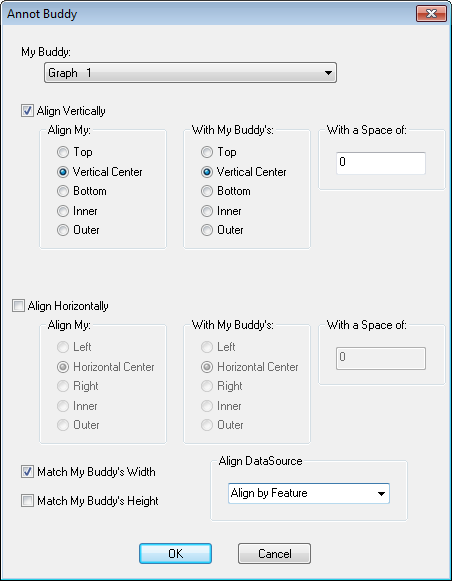
Annot Buddy Dialog
In the Annot Buddy dialog, you can select a Buddy for the annotation and set the behaviors that you want it to use.
Can we improve this topic? Click Send Feedback in the upper right of the screen to share your comments!