Quick Reference Guide: DataSmith Batch Jobs for CM4D Upload Portal
Open DataSmith Batch Manager (Run as administrator).
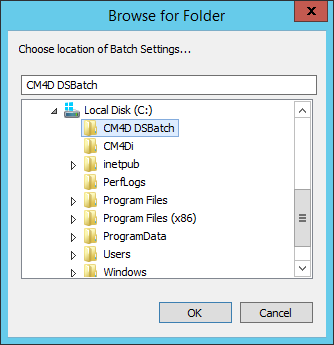
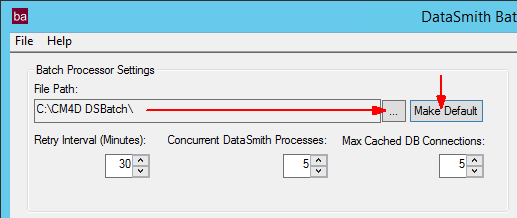
Set the File Path.
Click the ellipses ( ) to select a folder.
Click Make Default.
Create a new job.
Assign Batch Folders
Select DataSmith Documents (Translators).
Set DataSource, User.
Activate Configs.
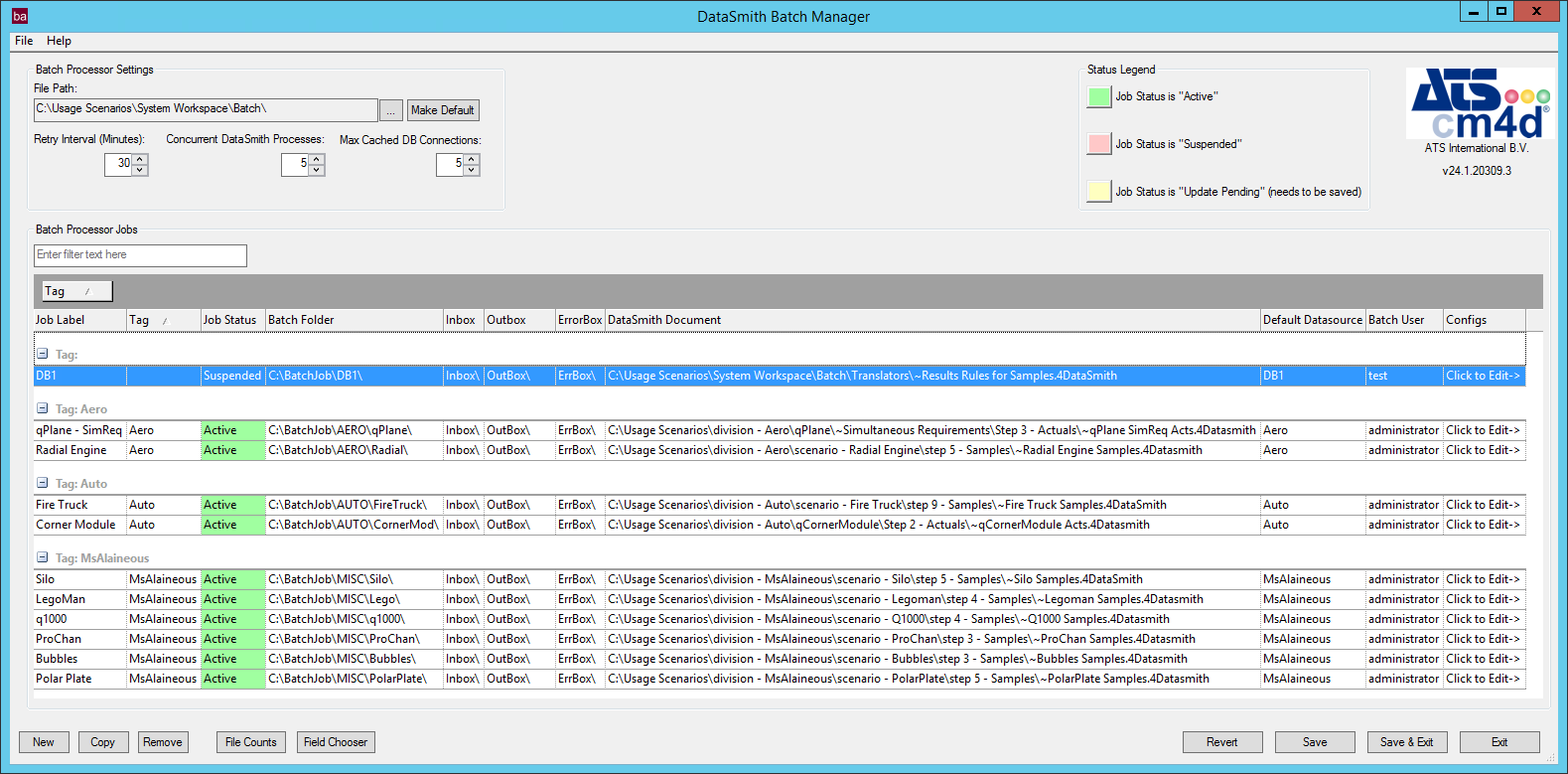
Click Save.
Assign a CM4D Server License.

Start the DSBatch Service.
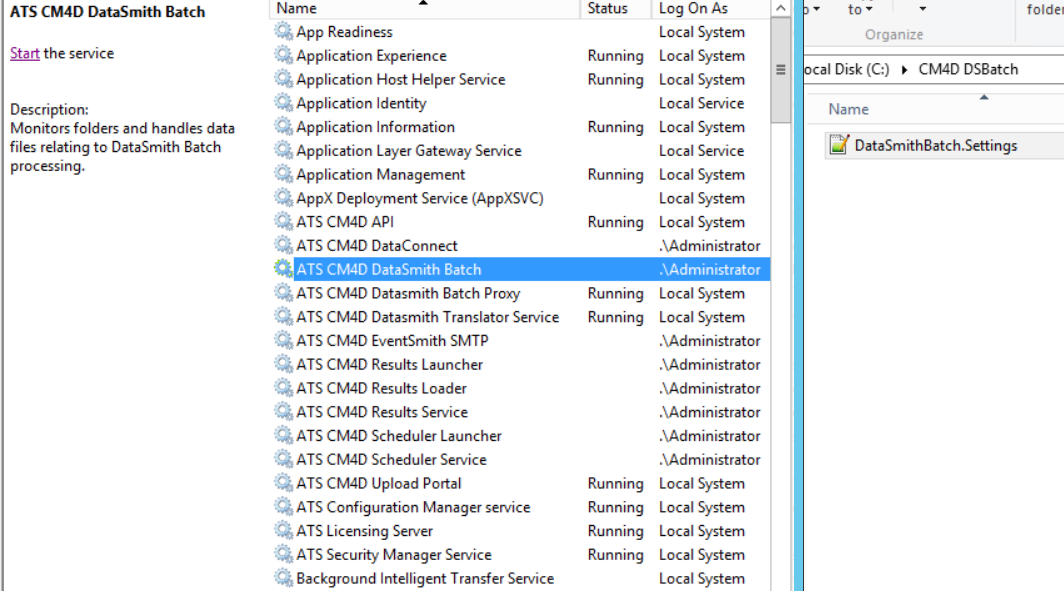
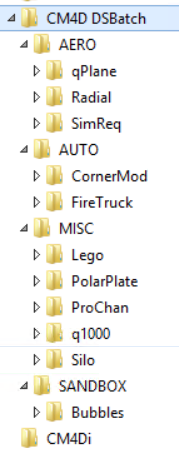
Batch folders are created automatically once the service starts.
Can we improve this topic?