The User Activity Log displays information about the web reports you submit to be generated. This list displays only your submitted web reports, so reports submitted by other users will not appear in this log.
Each time you submit a report, the User Activity Log will show automatically for a few seconds.
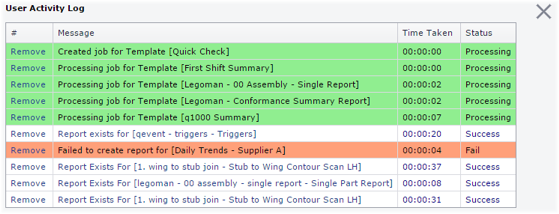
Open User Activity Log
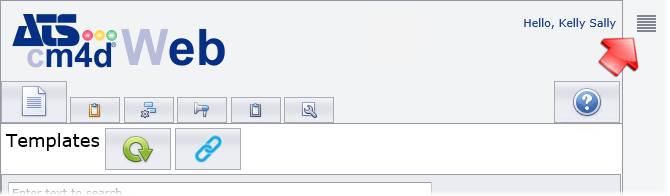
To show the User Activity Log and keep it open, click the ( ) icon in the top right
of the Web interface. The User Activity Log panel will remain open until
you close it or refresh your web browser.
) icon in the top right
of the Web interface. The User Activity Log panel will remain open until
you close it or refresh your web browser.
Close User Activity Log
Click the ( ) icon to close the Log panel.
Remove Logs
To delete a log entry from the list, click Remove in the first column of the report row. This action does not delete the Web Report, it only removes the entry from the User Activity Log.
Can we improve this topic? Click Send Feedback in the upper right of the screen to share your comments!