The Instruction bar, when activated, is located under the User Interface. The instruction bar is used to write Instructions. To activate the Instruction Bar, double click on an instruction.
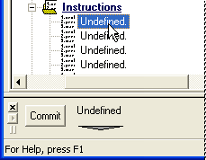
Instructions are written by selecting words and phrases from menus.
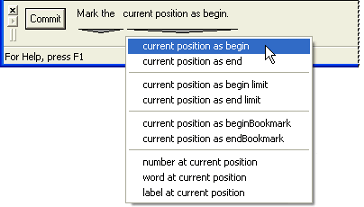
Commit Button
The Commit button activates an instruction after it has been written.

Can we improve this topic? Click Send Feedback in the upper right of the screen to share your comments!