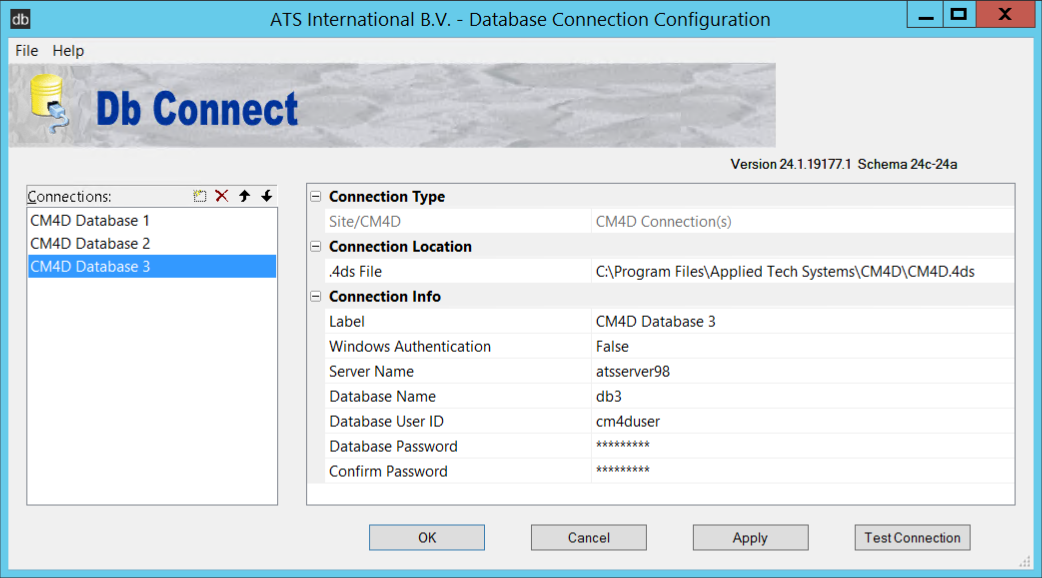
If you are using the Connection Type CM4D Connection(s), multiple unmanaged DataSource connections may be created and saved within the CM4D.4ds file.
New Connections
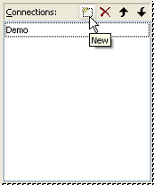
To create a new unmanaged DataSource connection, click the New ( ) button in the DataSource tree region.
Create a New Connection
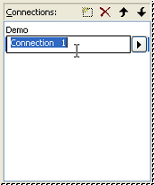
To create a new blank connection, click somewhere in the empty space of the tree. Once there is no DataSource connection highlighted, click the New button. You may either enter your connection label in the tree or in the Label field of the Db Connect Information grid.
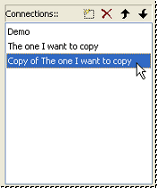
Copy an Existing Connection
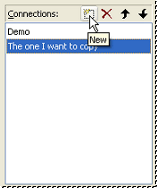
If an existing unmanaged DataSource connection already exists in the tree, highlighting the label and then clicking New will create a copy of the highlighted DataSource connection. If you would like to enter a new label, do so, otherwise the default will be the label of the original connection preceded by "Copy of".
Delete Connections
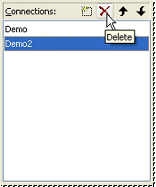
To delete an unmanaged DataSource connection, highlight the connection
label you wish to remove and click the Delete ( ) button
in the DataSource tree region.
) button
in the DataSource tree region.
Move Up/Move Down
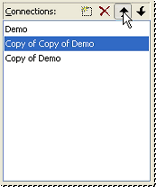
To reorder the list of unmanaged DataSource connections in the DataSource
tree, select the DataSource label you wish to move and click either the
Move Up ( ) button or the Move Down (
 ) button. Each button click will move the
DataSource up or down the tree one space.
) button. Each button click will move the
DataSource up or down the tree one space.
Can we improve this topic? Click Send Feedback in the upper right of the screen to share your comments!