The CM4D Upload Portal can be branded with your company logo and the login screen can have a custom background. To set the logo and background, go to the Applications ( ) tab in the ATS Security and Configuration Manager. The images will be scaled to fit the provided area, so keep in mind that some stretching may occur if the resolutions or ratios are significantly different.

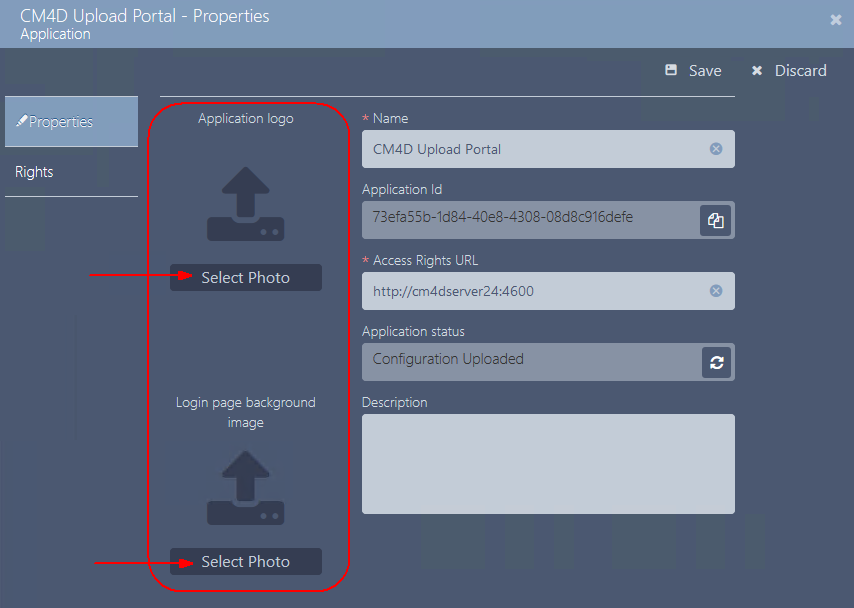
Add Logo/Background
Select the CM4D Upload Portal application in the grid to open its properties.

Click Select Photo for either the Application Logo or the Background.
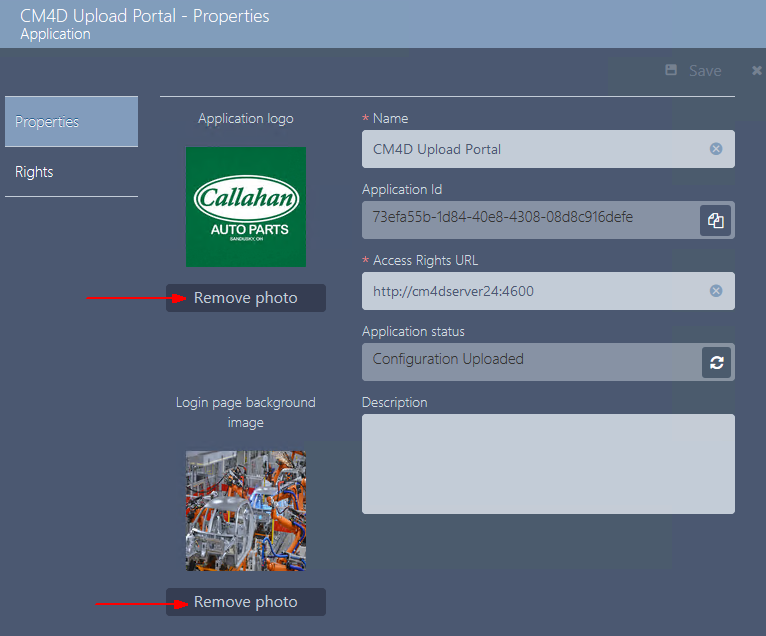
Remove Logo/Background
To remove a logo or background photo, click Remove Photo below the respective image. If no photo is selected, it will use the default images.
Default Logo and Background
A default logo and background are provided with the CM4D Upload Portal. You may choose to leave the defaults or provide your own.
Default Logo

Default Background