Before you can carry out a Validation test the test settings must be configured as shown in Specify Settings to Test Against.
You can test your validation settings while still within the Admin program. This allows you to ensure that you have configured the validation items correctly so that the desired answer is defined as the "right" answer.
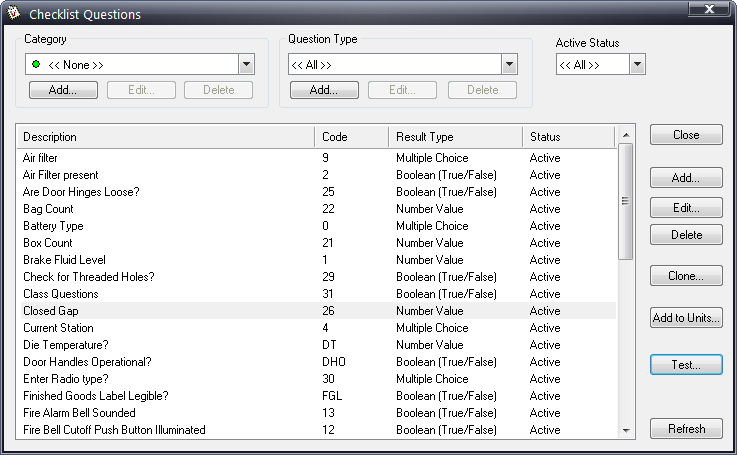
1. Click Products > Checklist > Questions > Questions.
2. Highlight the question you want to test.
3. Click the Test button.
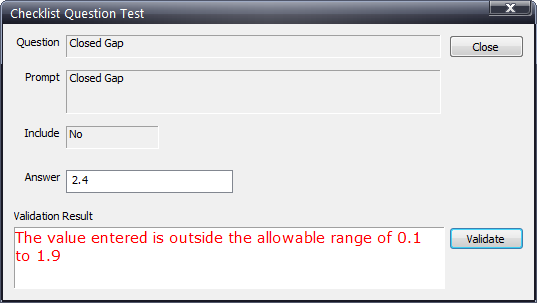
4. Depending on the type of question, select or enter an answer.
The Validation Result field will update to show you what would happen if that answer were selected by an inspector.
For example, if a custom error message is defined for a question when the wrong answer is chosen, the Validation Result field will display that custom message in red text.