 ).
).
Multiple Checklist Servers can be added to spread the load of data requests coming from multiple stations.
1. Select the General tab.
2. Click the Checklist icon ().
The following screen will appear.
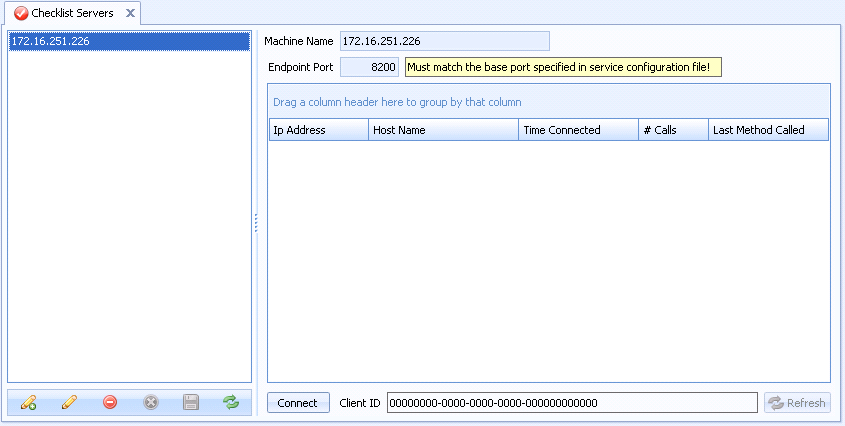
3. Click the add icon ( ) in the bottom left corner.
4. In the Machine Name field, type the name of the server.
5. Modify the Endpoint Port if required. The default is 8200.
6. Click the save icon ( ) in the bottom left corner.
7. Run ATS Inspect WCF Checklist Service on the server.
8. Click Connect to view service activity.
In order for a checklist to be displayed correctly the separate ATS Inspect Checklist Generation Service must be associated to the station. For information on how to do this see here.