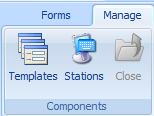
The final step of creating forms is to assign the templates to the stations themselves.
1. Select the Manage tab.
2. Click Station Templates.
The list of available stations is displayed, together with their templates if they've already been associated.
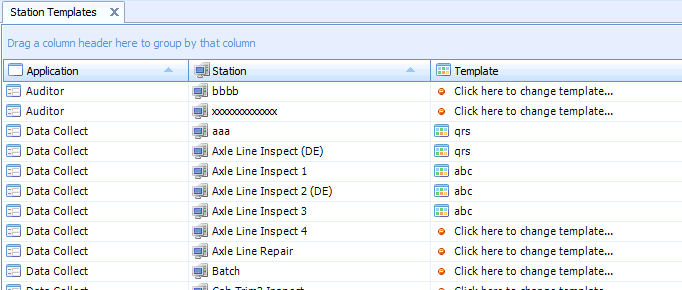
3. Click Click here to change template for the required station.
A list of the available templates is displayed. Only templates that apply to the stations application type will be shown.
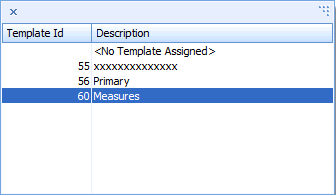
4. Select the required template.
The template is assigned to the station.