In this Topic Hide
For information on importing an existing form, see here.
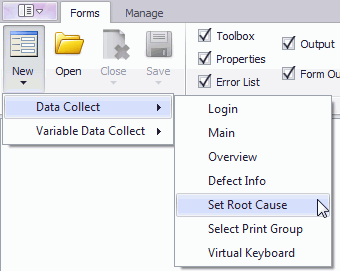
A new form can be created as follows:
1. Select the Forms tab.
2. Click New.
3. Select the required application.
4. Select the required form type. The new form will be created.
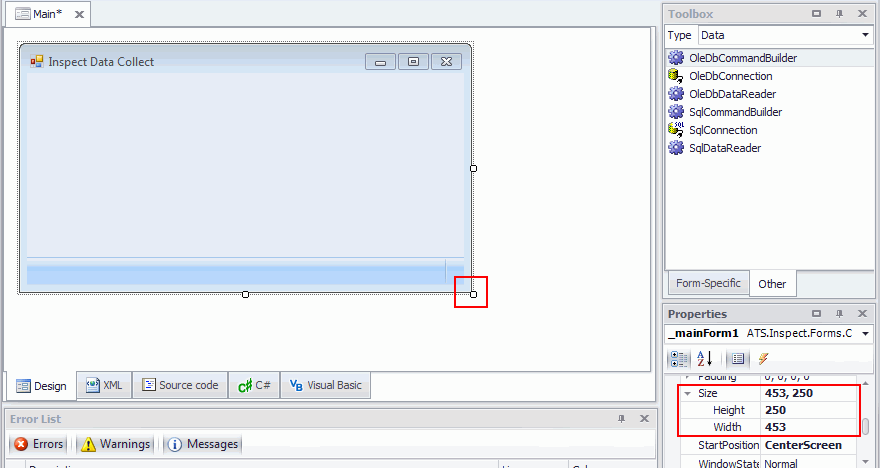
The canvas size can be adjusted in two different ways.
First of all you can click and drag the bottom right corner of the canvas to the required size. Note that the top left corner will always remain fixed. Alternatively, you can enter the height and width directly into the canvas properties.
Both methods are highlighted in the screen shot below.