Install ATS Inspect CAD Reporting Client
The CAD Reporting Client enables users to identify commonly occurring concerns displayed on a 3D model.
Should a previous version of this application exist, it must be uninstalled before proceeding.
You must run the Inspect installation with administrative rights. In Windows 10 and above you must also have elevated rights.
Install the latest ASP.NET Core Runtime 9.0.0 x64 and .NET Desktop Runtime 9.0.0 x64 executables.
Run the ATS-Inspect-Cad-Reporting-Client-x.x.x.x.exe. The following screen will be displayed.
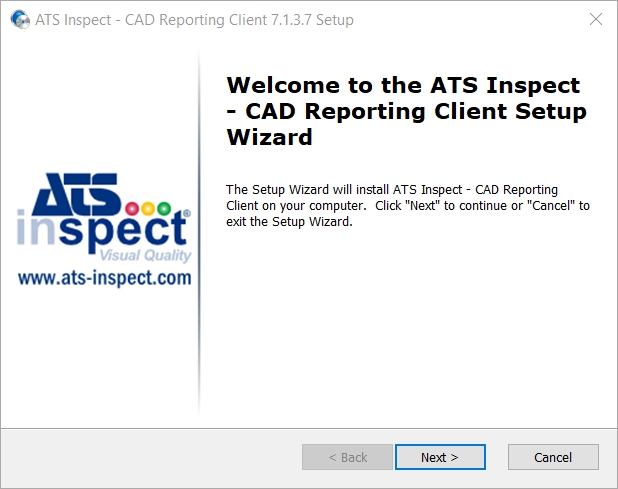
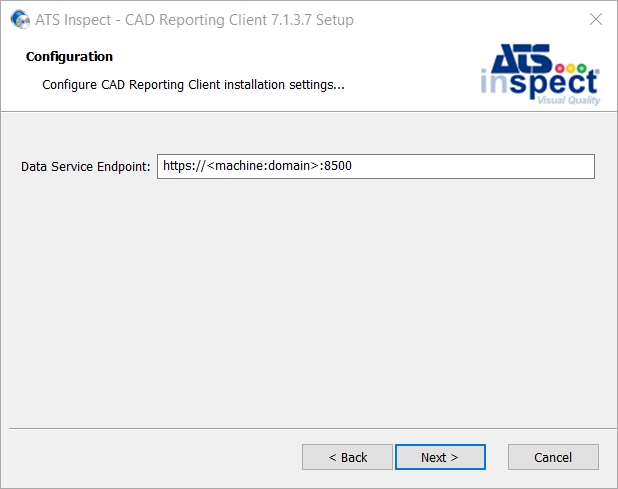
Click Next.
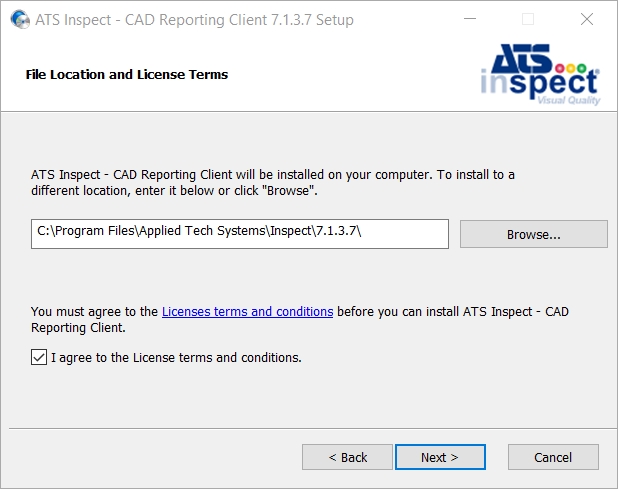
If required, change the installation location.
Select “I agree to the License terms and conditions" and click Next to proceed.