Convert AutoReport to Report Tweak
Existing multiple-sheet AutoReports may be converted into ReportTweak reports.
Once an AutoReport is converted into a ReportTweak report, it cannot be reverted back to an AutoReport.
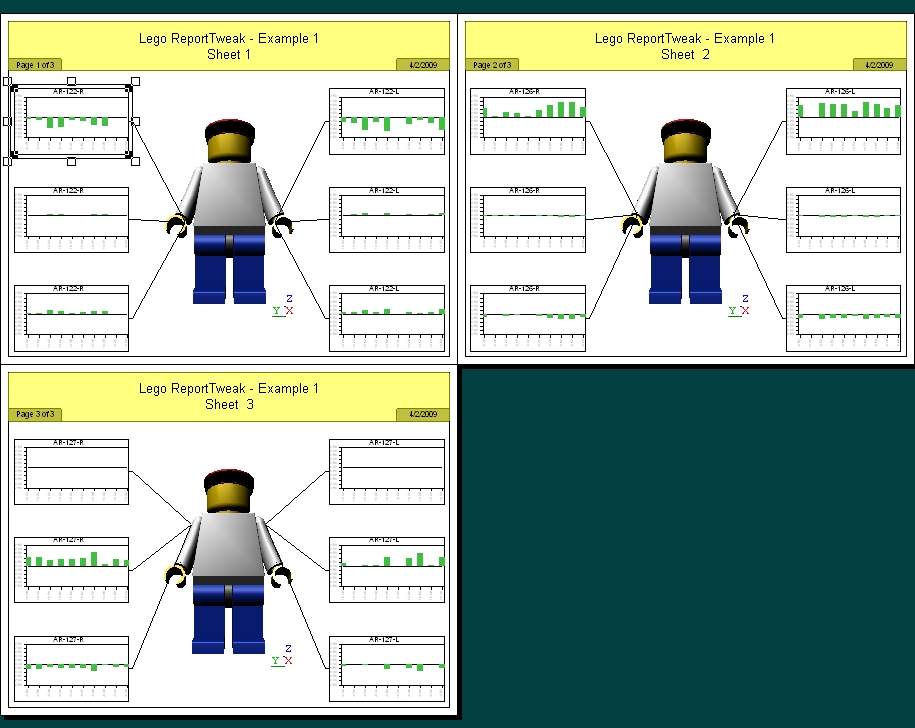
For this example, an existing AutoReport will be used to demonstrate how ReportTweak reports can be created.
- Select an annotation from the existing AutoReport.
- Toggle ReportTweak mode.
- Click Activate to create a ReportTweak Report.
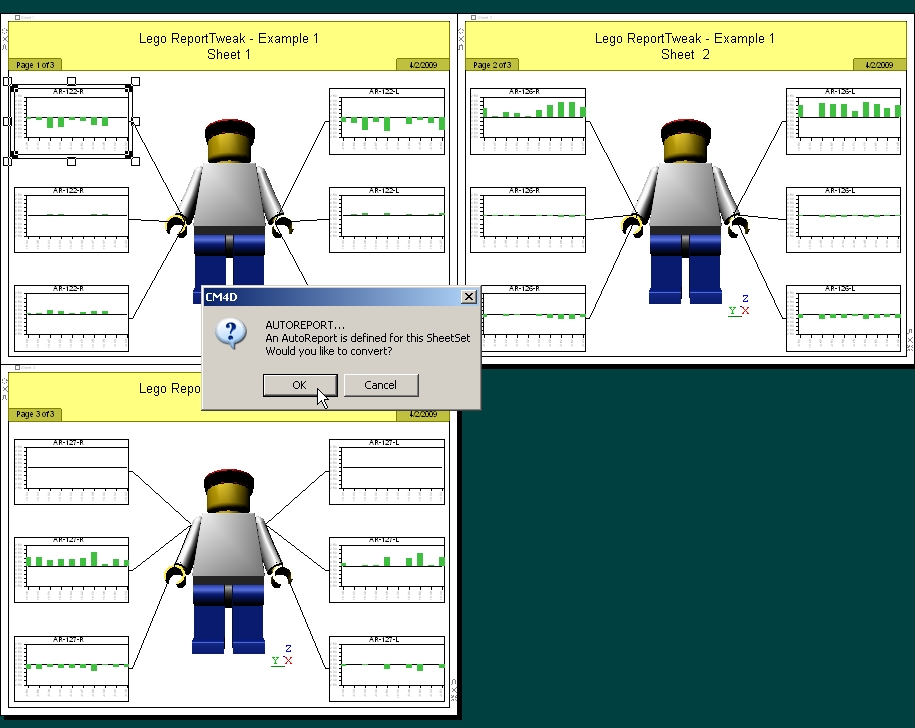
- In the dialog that pops up, click OK to convert the AutoReport into a ReportTweak report.
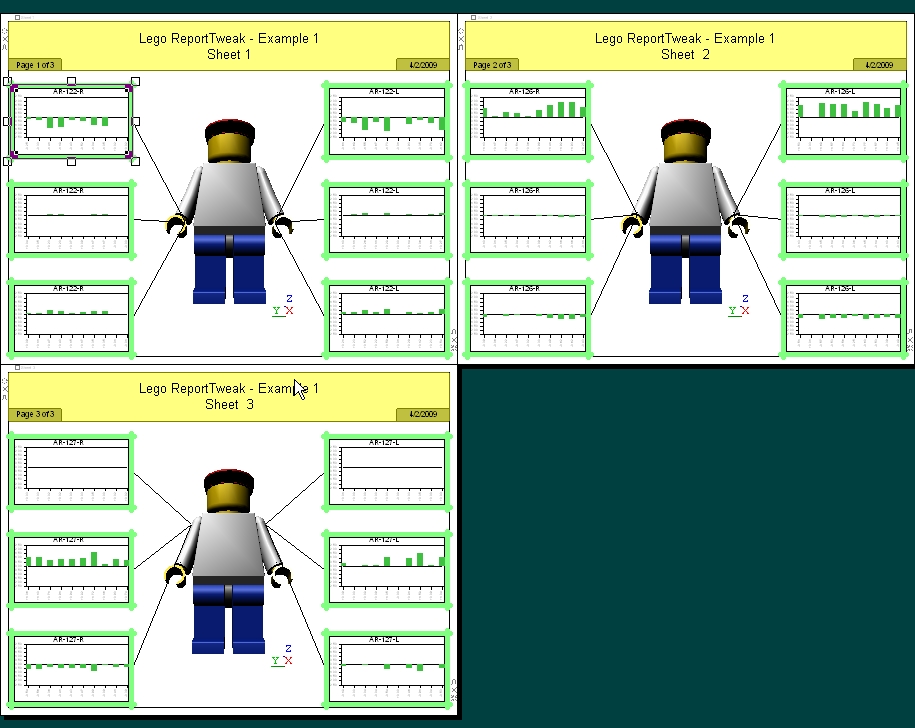
- Your AutoReport is now a ReportTweak report, as indicated by the green highlight around each annot that is included in the ReportTweak.
Can we improve this topic? Click Send Feedback in the upper right of the screen to share your comments!