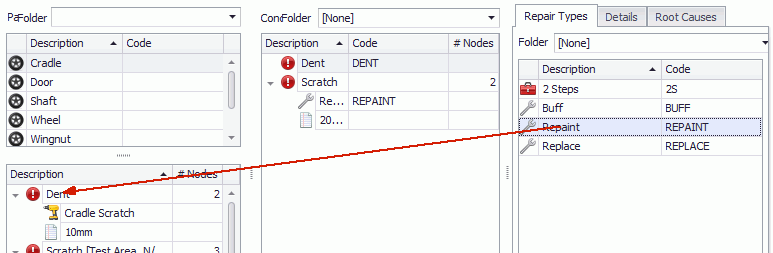
To save configuration time details can be associated to concerns before the concerns are assigned to parts. See here.
Carry out these steps to associate the selected details to all concerns that are added for the selected part.
1. Select the Attribute tab.
2. Click Parts/Concerns.
3. Select a part from the list in the upper-left pane.
The list of associated concerns is shown in the lower-left pane.
4. Select the Details tab in the right-hand pane.
5. Drag and drop details from the right-hand pane onto the required concern in the lower-left pane.
6. Click OK.
The details are associated to the part/concern.