The station is configured so that you can register units in the system when they arrive for inspection.
Click the Commit button on the Go to unit control.

The Create Unit form opens.
Enter a serial number for the unit. This can be whatever you like.
Select ATS-B from the product list.
Select any color you like from the drop-down list.
Click OK.
The unit is created and selected at the station.
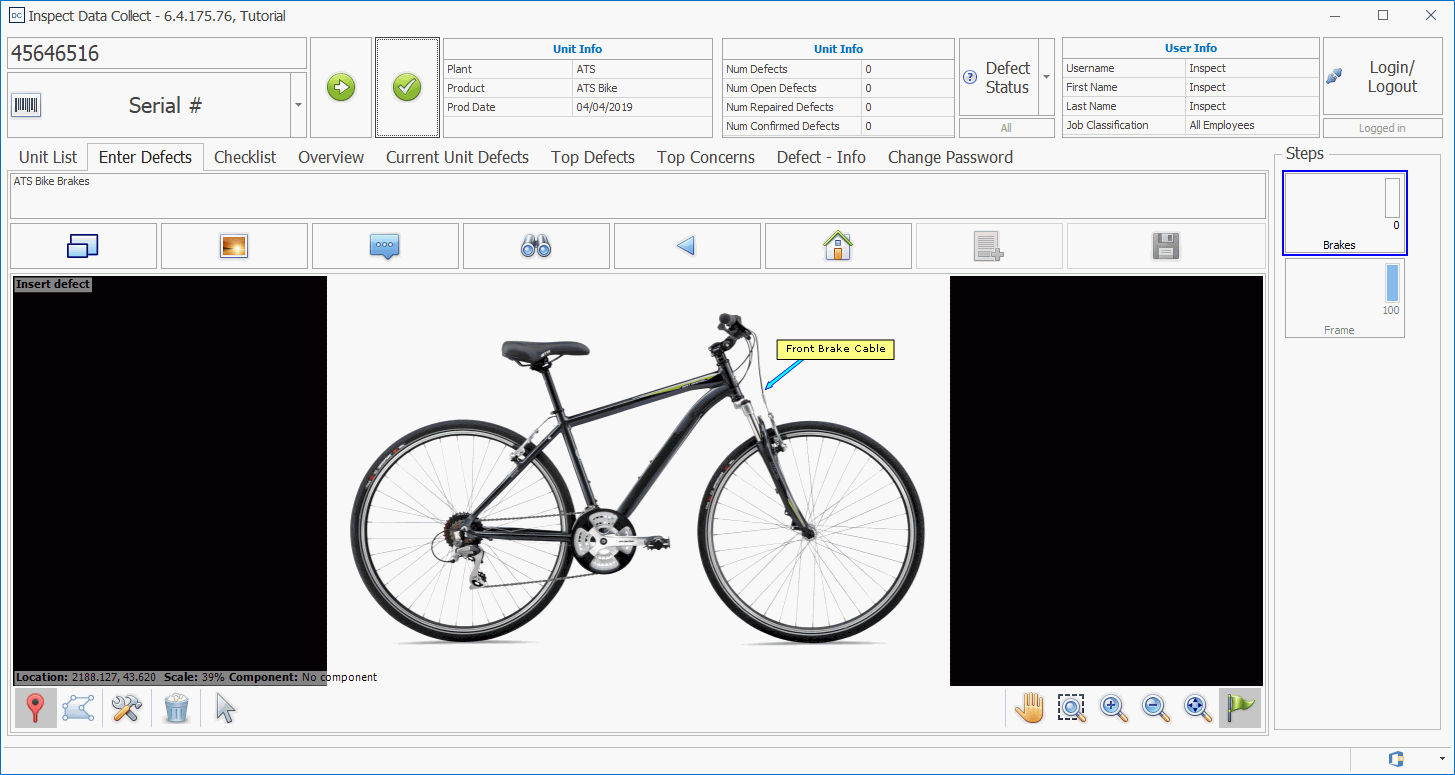
At this point you will only be able to assign defects to the crossbar and down-tube that were specified for the first step. You will not be able to move onto the second step, containing the other components, until all the checklist questions are answered. We will do that later.