Install ATS Inspect Services
This installer containts a number of other services for Inspect and include:
Communication Service: Processes Inspect-related data received from Flat files, RS-232 and TCP/IP sockets.
CAD Services:
CAD Report Service: Provides functionality used by Inspect modules that require images from CAD.
CAD Conversion Service: Map between Inspect Image ID and stream cache model name.
Event Service: Alarm notifications.
Travel Service: Processes travel ticket requests.
You must run the Inspect installation with administrative rights. In Windows 10 and above you must also have elevated rights.
Install the latest ASP.NET Core Runtime 9.0.0 x64 and .NET Desktop Runtime 9.0.0 x64 executables.
Run the ATS-Inspect-Other-Services-x.x.x.x.exe. The following screen will be displayed.
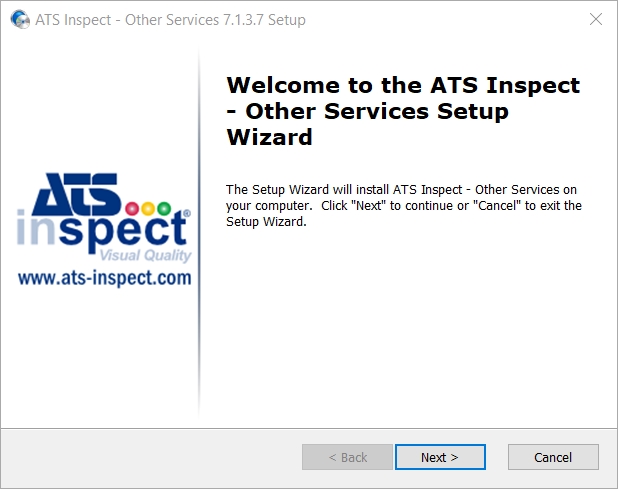
Click Next.
If required, change the installation location.
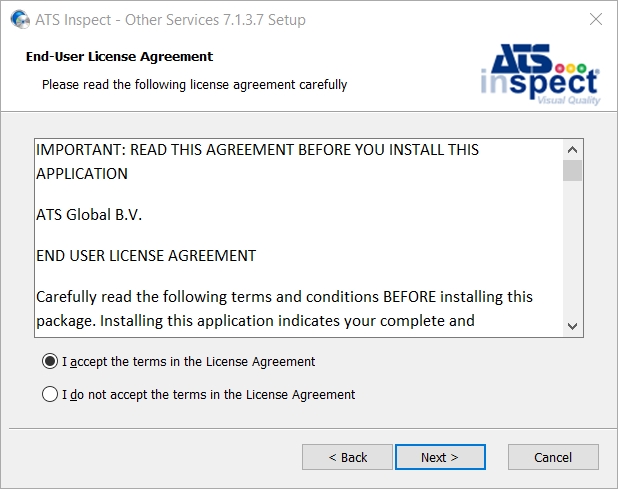
Select “I agree to the License terms and conditions" and click Next to proceed.
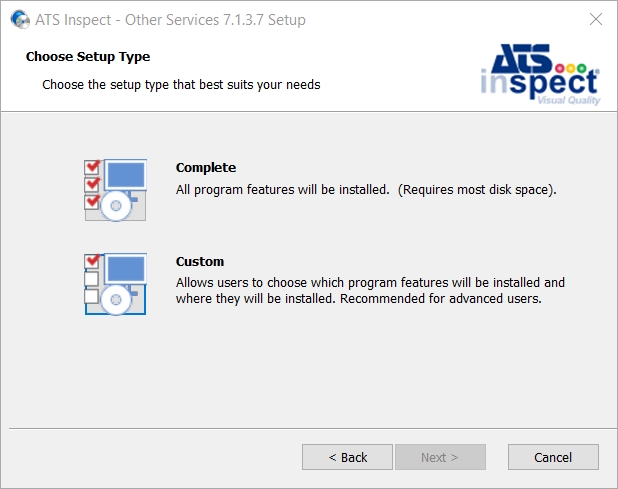
Select one of the following installation types:
Complete - All program features will be installed..
Custom - Allows users to choose which program features will be installed and where they will be installed. Recommended for advanced users..
The installation location can only be changed by using a Custom installation.
Clicking Custom will display the following screen is shown.
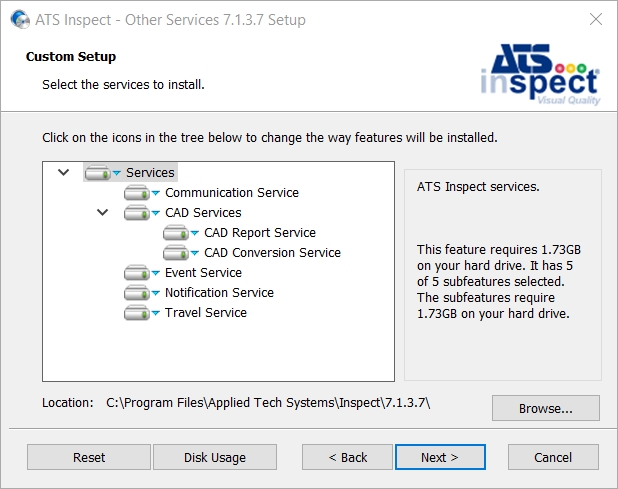
Select the required components as listed below.
Services:
Communication Service: Processes Inspect-related data received from Flat files, RS-232 and TCP/IP sockets.
CAD Services:
CAD Report Service: Provides functionality used by Inspect modules that require images from CAD.
CAD Conversion Service: Map between Inspect Image ID and stream cache model name.
Event Service: Alarm notifications.
Notification Service: Output Inspect notifications to a range of different channels.
Travel Service: Processes travel ticket requests.
Change the installation location by clicking Browse and selecting the installation folder.
Press Next.
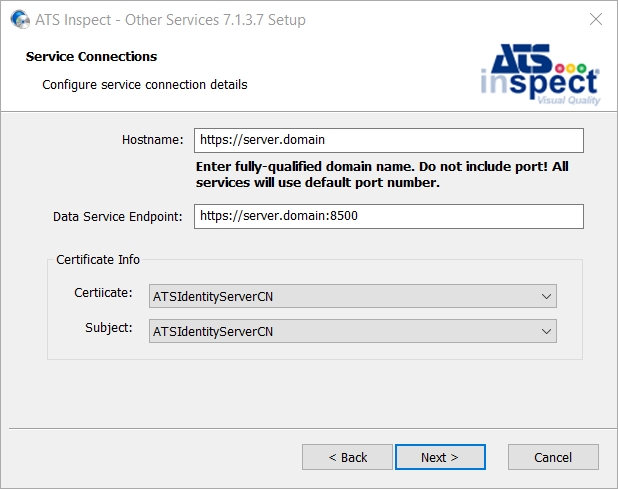
Enter the FQDN of the server in the Hostname field.
Do not include a port number. All services will use the default port number.
Enter the FQDN of the server and port that hosts the Data Service.
Select a certificate to enable the encryption of traffic in the Certificate field. The Subject field will automatically populate with the subject from the certificate.
Press Next.
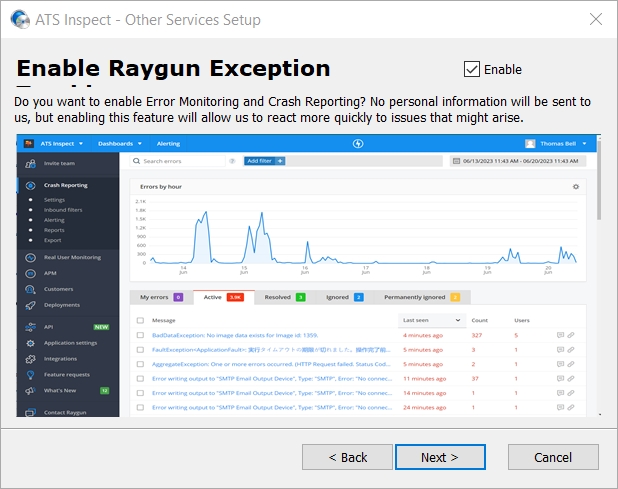
To enable Raygun, place a tick in the Enable check box.
Raygun Error Monitoring and Crash Reporting
Press Next.
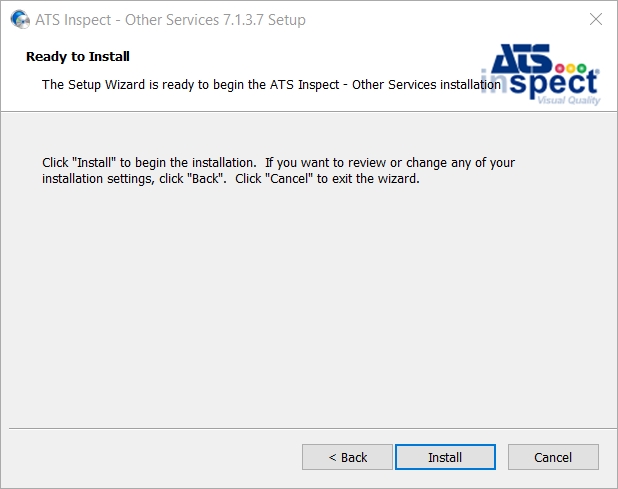
Press Install.
Press Finish.